
Calling the courier with the SF Express App to deliver your documents
By Nowshenzhen · August 3, 2016 · 2 min read · 👁 1,376 views
If you want to send packages or documents in Hong Kong to Shenzhen, China one of the most effective package delivery companies is SF Express. I was looking to send some company documents from Hong Kong to my Shenzhen office. There must be an app for that so I searched the iTunes app store and downloaded the FLEXISHIP SF Express app. Upon downloading and launching the iPhone app I was presented with a screen to select my location:
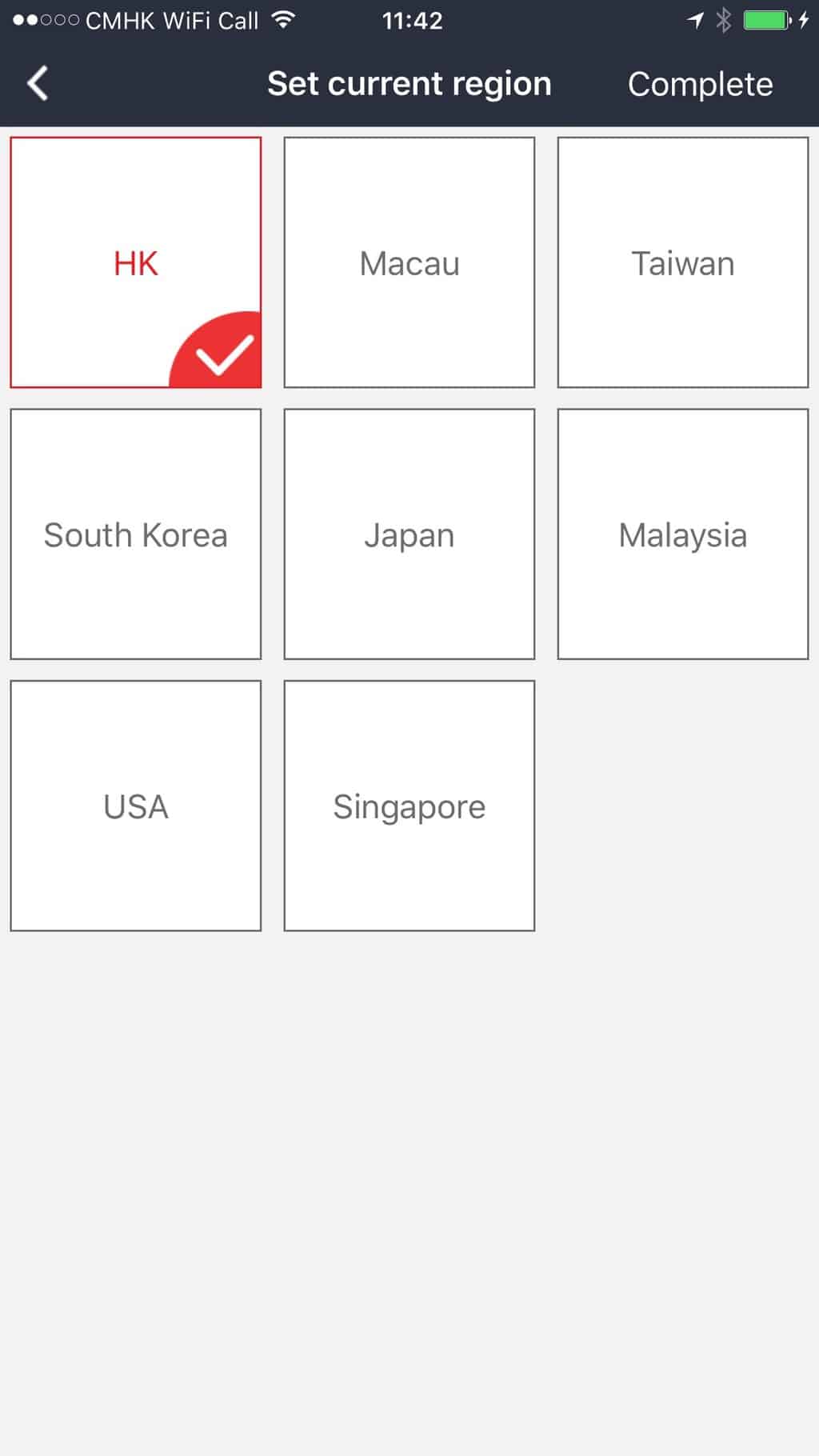
Choose your location. (this app is not for within China)
After Choosing Hong Kong you will need to register an account this was not the smoothest for me because when I tried to send a text message to my phone number to get the verification code it took a while to come so the count down clock in the app expired twice. Luckily I finally go the message and registration was complete. After a welcome screen you are plopped on the home screen where I selected “New Order”:
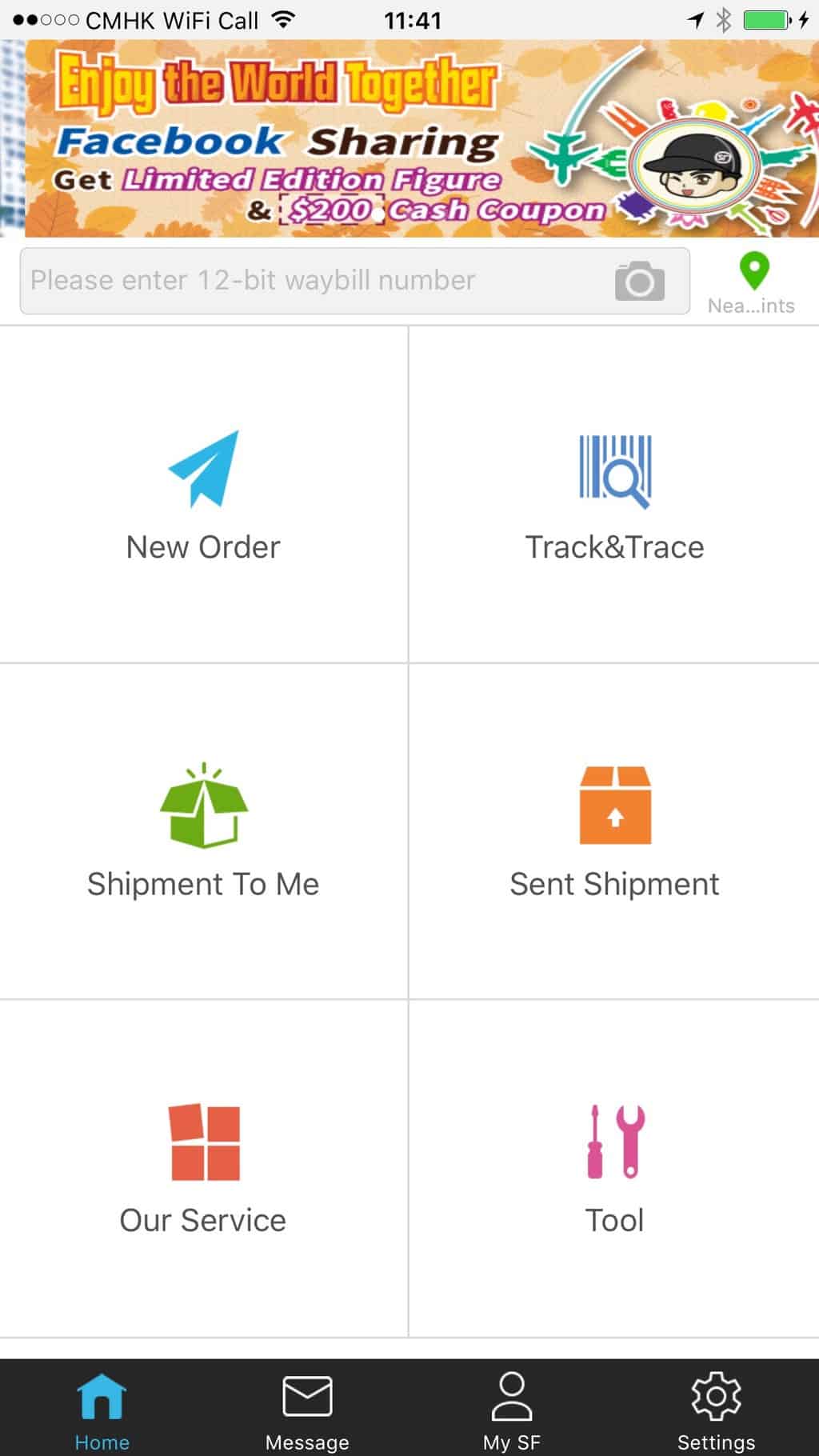
Main Screen of SF Express App
On the next screen fill out the shipper info which means creating a new address entry in the apps address book. I set this as my default address since I plan to use it frequently.
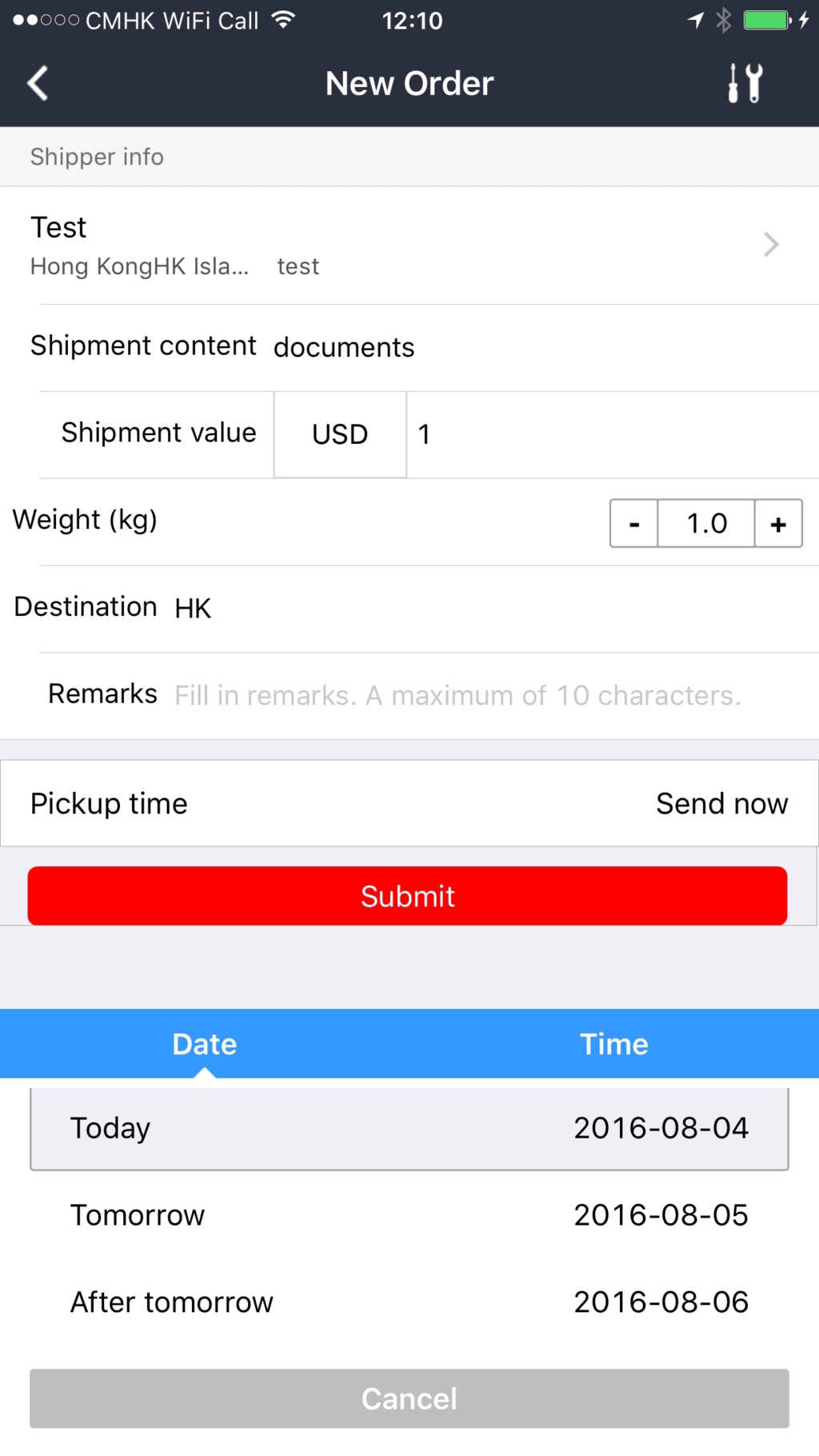
New Shipment Screen
Some of the other fields I wasn’t so clear on what to fill out as I rarely send items these days but I put in for Shipment content “documents” and the value I chose seems to be a minimum of USD$1.00 same with the weight I could not go lower than 1 kg. For the destination you must choose the country such as “China” the full address will have to be put on the shipping label. As this was my first time ordering I didn’t have any shipping labels so the courier gave me extra envelopes and labels.
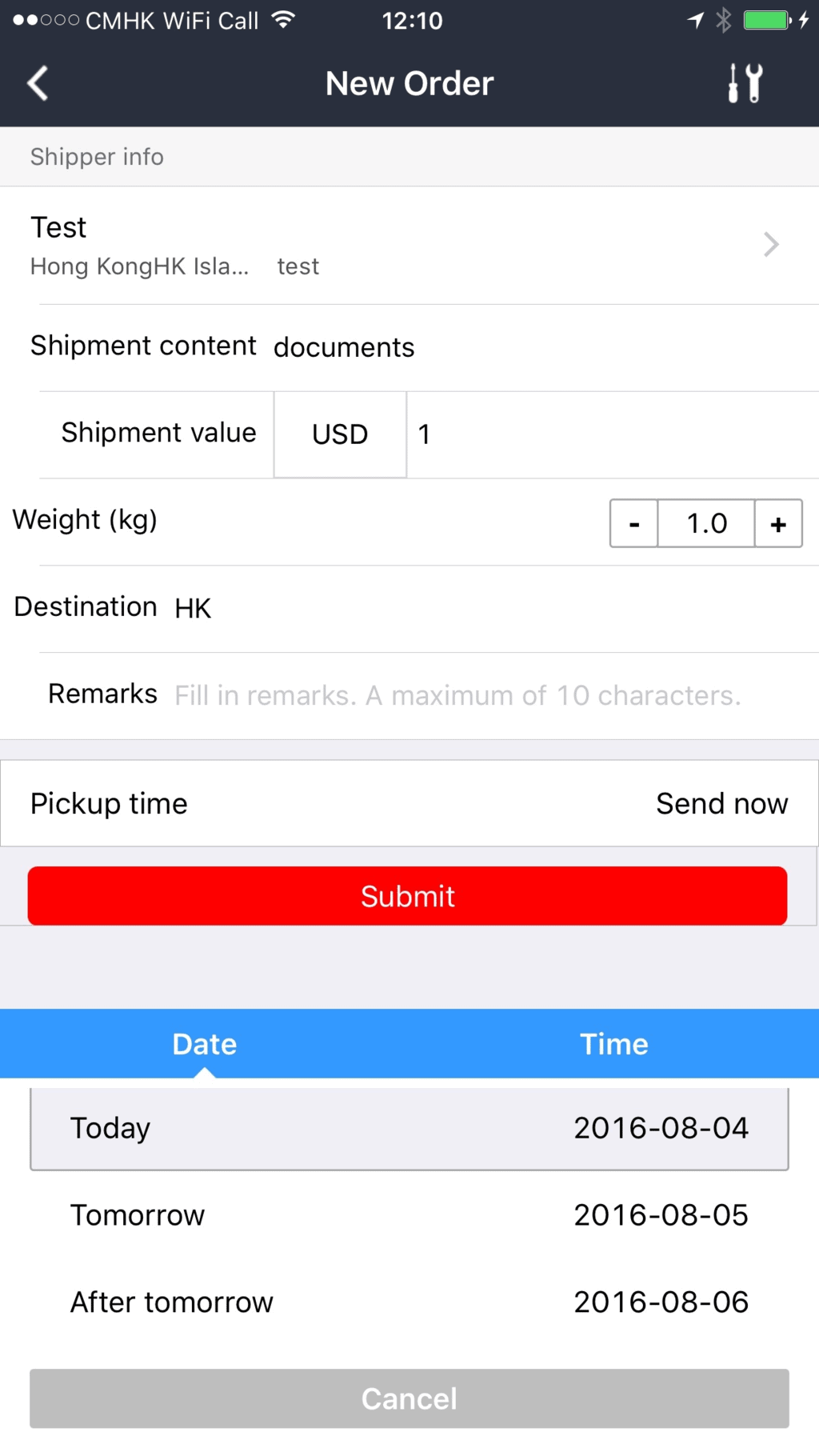
Here is how I fille dout the fields.
When you have all the fields in you can schedule the pickup for today or the next day. Notice the little tool icon int he upper right corner of the “New Order” screen? It allows you to get rates so you have an idea of how much the shipment will cost. Here is an example Shipment from Hong Kong to Shenzhen:
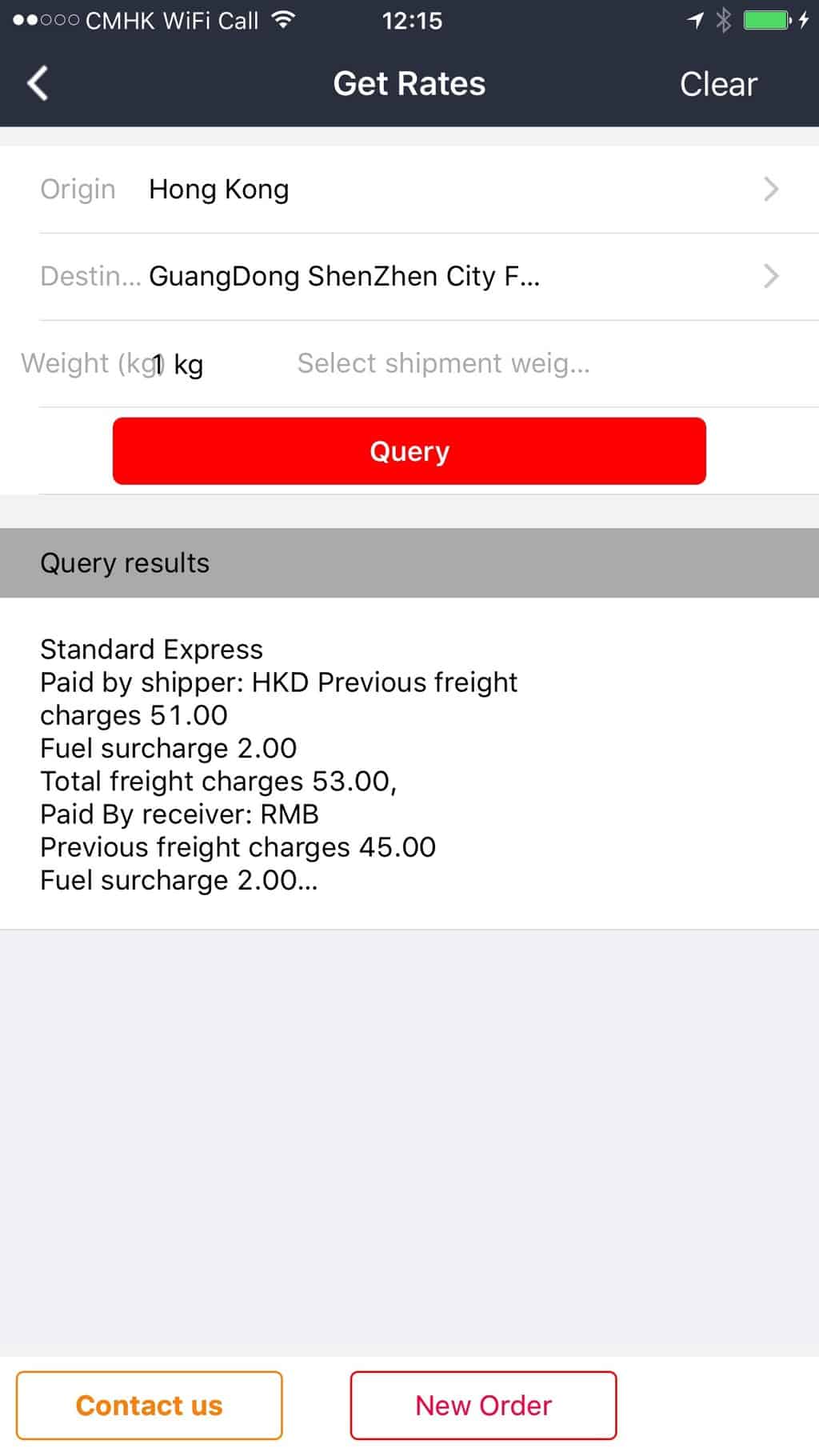
Shipments from HK to Shenzhen can cost around HKD$53
Once your order is placed you can check on the status in the “My SF” tab of the app where it has your open orders and a handy service number which you can call. The app also shows you a list of nearby stores that offer SF Express pickup which include 7-11s. 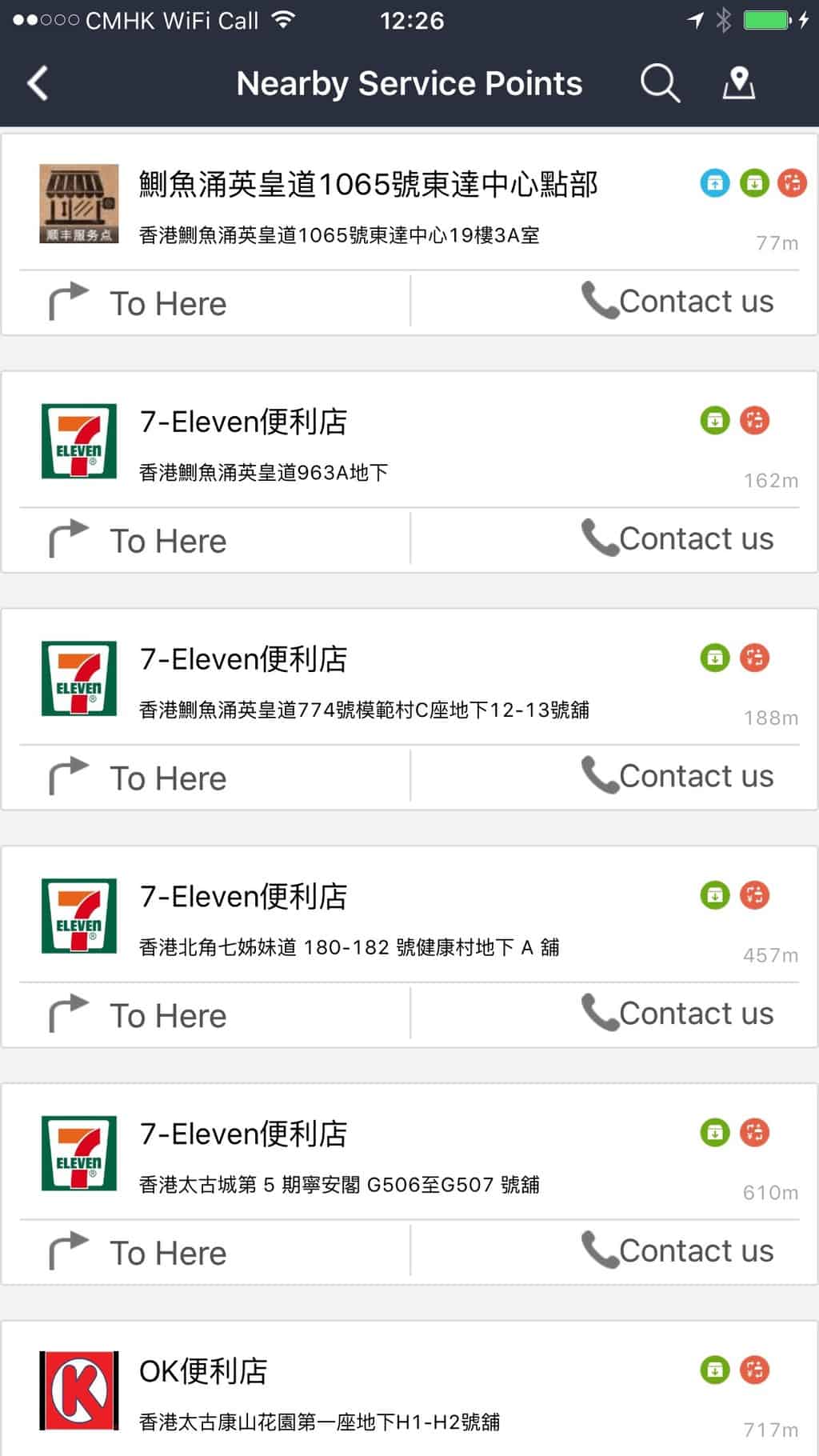 This app can help when you are doing business in Shenzhen by making it easier to send documents to your Shenzhen lawyer or accountant.
Keep reading
All in Articles
Shine Brighter Than Ever: New Whitening Promotion From ARRAIL Dental
Shine Brighter Than Ever: New Whitening Promotion After the overwhelming response to our last whitening offer, ARRAIL Dental is back with a...

Renaissance Shenzhen Bay Hotel Celebrates 2026 Renaissance Day Of Discovery
Shenzhen, September 22, 2026 - Renaissance Shenzhen Bay Hotel, part of Marriott Bonvoy’s portfolio of more than 30 distinctive hotel brands,...

An American Expat Family of Five Ditches the Headlines and Dives Headfirst into China
An American expat family of five is about to trade assumptions for firsthand experience. Over the next three months starting from October 1st,...